Key takeaways
- The newest file contains a $9 proposal tied to a volume commitment.
- The signed July 15 order supports $10 per user for the example.
- The earlier $12 and later $9 terms both have a place in negotiation history.
How do you check whether an AI answer came from the version the parties signed?
In a fictional Alder Desk account, Sales asks what it can quote for an agreed support add-on. The July 11 draft says $12 per user. The July 15 signed order says $10. A clean July 18 proposal offers $9 in return for a volume commitment. Every file carries the same customer name, purchase order number, and support description.
An AI answer could cite the $9 passage word for word. Sales still needs the rate already agreed. The July 15 order and its matching signing record support $10 for the period in question. If someone produces a later executed change, the owner must check its effective date and scope before revising that answer.
Identify which question Sales asked
Write down the customer, product, service period, and reason for the question. Someone planning a negotiation may want the last offer as well as the signed rate. Someone preparing an invoice needs the applicable executed term for that billing period. Giving each value a label prevents a good search result from silently becoming a commercial commitment.
Which document supports each number?
| Document status | Execution evidence | Decision or next action |
|---|---|---|
| July 11 | Draft order, $12 per user | Negotiation history |
| July 15 | Completed order, $10 per user | Use for the example signed commitment |
| July 18 | Proposed amendment, $9 per user | Await evidence of agreement |
Find the completed document package
Open the candidate agreement and check the parties, signature pages, and any available completion evidence. For a contract signed through ContraxAware, consult the completed signed document and its associated signing history. If the workflow was finished in another service, request the corresponding executed packet from the signer or records owner. Preserve that provenance when attaching an imported file.
Check the words and the document state
Ask the reviewer to cite the price passage for every candidate and report its known status separately. Inspect the signed exhibit where applicable. A draft may contain signature blocks or typed names because it was prepared for signature. If the necessary evidence is missing, record the uncertainty for the owner who can obtain it before anyone quotes a final rate.
Give Sales wording it can use
Write: “The signed July 15 order sets the support add-on at $10 per user in support schedule section 2. The July 18 proposal offers $9 with a volume commitment and is still under negotiation.” Link the signed schedule and identify who is handling the proposal. Now Sales can answer the pricing question and keep negotiating without mixing the two numbers.
Open the copy behind the answer
In your contract management system, match the executed copy to its signing record. Give the pricing owner the current source along with any open commercial proposal. Where another service handled signing, keep the corresponding external evidence with the imported copy.
For a team inheriting multiple versions from email, the guide to organizing signed agreements and drafts includes a way to identify the current record.
Open the order in Contract Map and match its version to the completion record for the electronic signatures before confirming the price.
For the full workflow, read how to identify the controlling contract version.
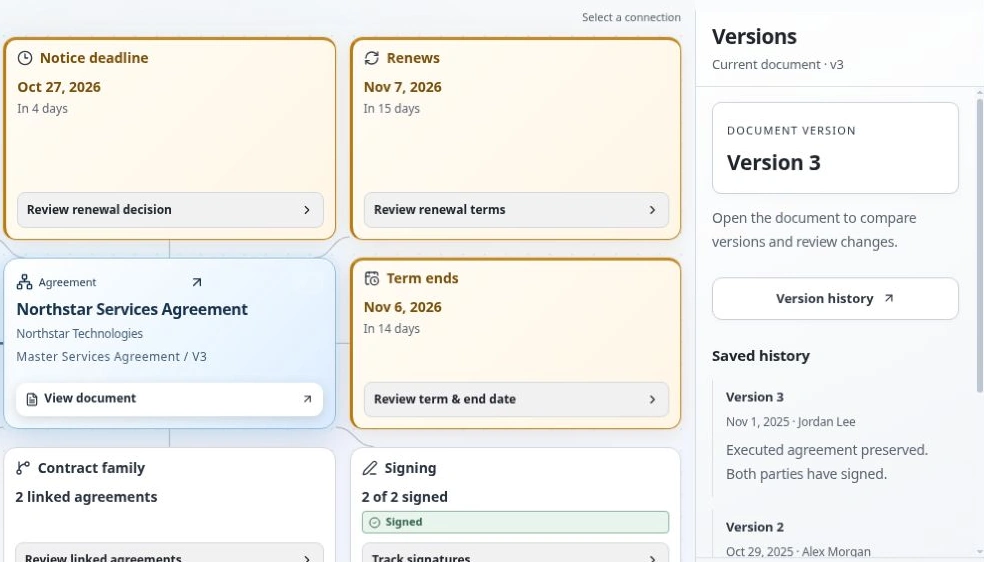 View full-size screenshot
Executed-version source verification worksheet
Read the price and execution evidence for each version. Select the signed rate and check whether a later executed change affects its service period.
Preview a completed worksheet row
- Source candidate
- July 11 draft
- Evidence of status
- Working version; completed signing evidence absent
- Term requested
- Support add-on
- Price per user USD
- 12
- Applicable decision
- Retain as a prior offer
- Next owner action
- Records owner labels the candidate draft.
Frequently asked questions
What if both parties signed different copies?
Gather the available counterparts and related completion records. Have the authorized contract owner or counsel reconcile them under the agreement and the organization's execution process.
Should the team delete drafts to improve AI results?
Give them clear status, location, and retention treatment under the organization's policy. Preserving legitimate negotiation history and presenting the verified signed answer are compatible goals.
What if the signed agreement incorporates a separate schedule?
Locate the schedule identified by name and version. If the file is absent, request it and qualify the answer until the reviewer has the actual pricing source.
What should the customer-facing team record?
Retain the verified amount, charging unit, relevant service period, signed source and the open status of any proposal. This helps another representative give a consistent answer.