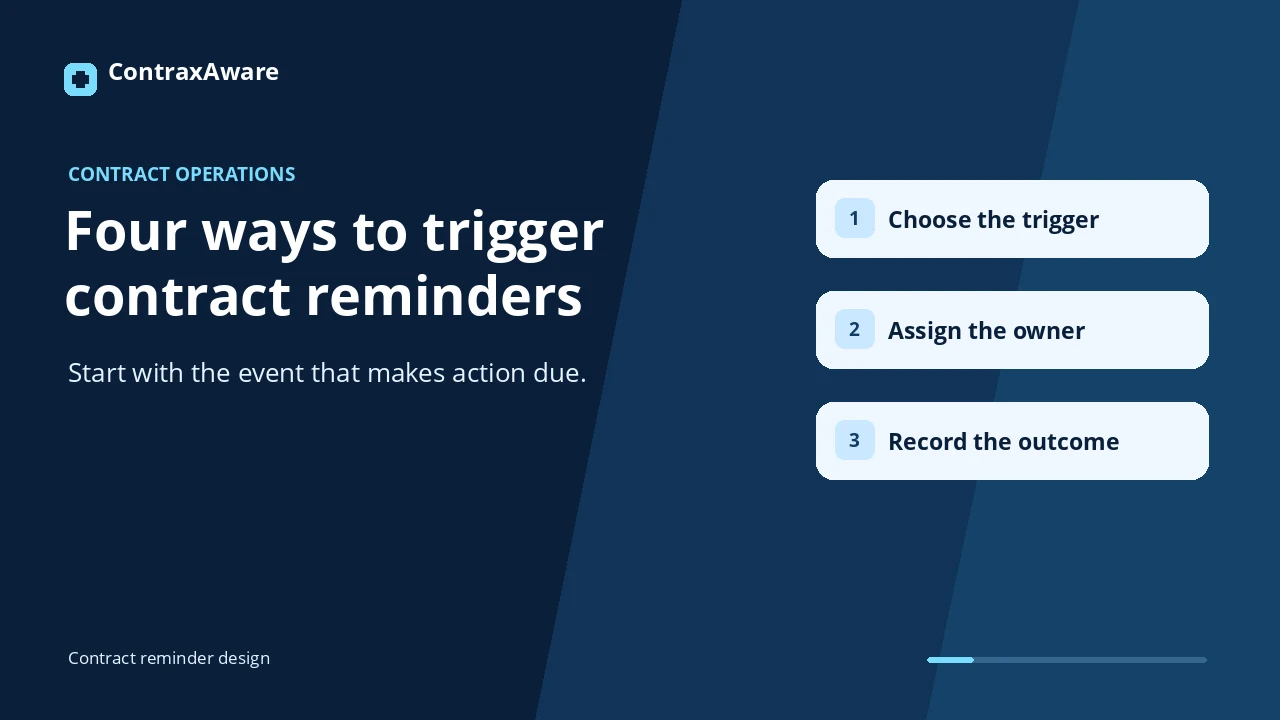
Choose the trigger before you choose the alert
Contract teams usually need reminders for different kinds of work. Some have a written deadline. Others depend on a notice period, a recorded event, or whose turn it is to act. Start by identifying what makes the item due. That choice determines which date to use, who to notify, and what counts as done.
- Fixed dateUse a date already on the agreement or evidence.certificate expiry
- Count backLeave review time before a verified deadline.renewal review
- Actual eventStart the clock when an event is recorded.go-live acceptance
- Workflow statePrompt the person whose turn is open.approval or signature
Watch the four reminder triggers in action
Read the transcript
Contract reminders can start from four different triggers. Pick the trigger first, then decide who acts and what closes the reminder.
Use a fixed date when you know the deadline. A contract expiration or the expiry printed on a certificate of insurance are good examples.
Work backward from the governing clause. A notice deadline can come weeks or months before the next renewal, so leave time to make the decision.
Some deadlines need a real event. A deliverable due thirty days after go live should wait for the recorded go live date.
For an approval or signature, follow the active person's turn. Close the reminder when the review or signature is recorded.
Every reminder needs a trigger, an owner, a clear action, and evidence of completion. Use the guide to build a checklist for your agreements.
Eight types of contract reminders at a glance
| Reminder type | What starts it | Typical owner | What closes it |
|---|---|---|---|
| Renewal review | Review date before the action deadline | Contract owner | Recorded renewal decision |
| Non-renewal notice | Verified contractual notice cutoff | Authorized notice owner | Required notice and delivery evidence |
| Contract expiration | Current term-end date | Service owner | End-of-term handoff or recorded renewal |
| Approval handoff | Reviewer’s decision is pending | Assigned approver | Decision on the current version |
| Signature follow-up | Signer’s turn is open | Sender or signing coordinator | Signature or updated request status |
| Deliverable or report | Fixed date, recurrence, or actual event | Obligation owner | Delivery evidence and verification |
| Insurance certificate | Upcoming certificate expiry | Vendor or insurance coordinator | Replacement certificate verified |
| Payment or price review | Invoice, acceptance, or adjustment window | Finance or Procurement | Authorized review or payment evidence |
Renewal, notice and expiration reminders protect different decisions
1. Contract renewal review
Ask the service owner whether the relationship should continue and what needs changing. Pull in performance, spend, and service feedback before sending the request to a decision maker. If renewal authority lives with Procurement, keep that person and the business owner visible on the agreement.
2. Non-renewal notice or option deadline
Use the source clause to identify the contractual action window. Assign the person who can coordinate the required notice and keep a separate record of delivery. Give the internal review its own date before the cutoff, and use the notice deadline guide to check the method, recipient, and dates.
3. Contract expiration
Give Operations a reminder to plan the end-of-term handoff, confirm replacement coverage, and record any surviving obligations. For a contract that ends without an automatic renewal, this may be the key operational date. Confirm the current term in the signed agreement and amendments.
Approvals and signatures follow the open turn
4. Approval handoff
Prompt the person with the current review assignment. When the draft changes, check whether the approval still applies to the current version. Assign a coordinator to resolve overdue reviews, identify the approver, and tell them exactly which decision they own. The approval workflow is the place to track the review and its outcome.
5. Signature follow-up
Keep signer reminders tied to the request and signing order. For sequential signing, follow up with the person whose turn is active. If a request is withdrawn or superseded, check its status before sending another prompt. Use the e-signature workflow to track outstanding and completed requests.
Obligation, insurance and payment reminders carry the work after signing
6. Deliverable or reporting obligation
A quarterly report might have a fixed due date. An onboarding report due 30 calendar days after go-live needs the actual go-live date. If the event occurs June 10, the example reminder can work toward July 10, once the event is confirmed. Record who produces the deliverable and who verifies it.
7. Certificate of insurance expiry
Use the current certificate’s expiry and the agreement’s coverage requirement. Give the vendor enough time to supply a replacement and the assigned reviewer enough time to check coverage. A file arriving starts the verification step. See the certificate of insurance tracking walkthrough.
8. Payment milestone or price review
Use a reminder for the commercial event that requires work. A milestone may depend on documented acceptance and an invoice. A rate change may depend on a specific review window. Keep the source clause and the person authorized to approve the next step with the agreement. Finance records the outcome in the appropriate payment or accounting system.
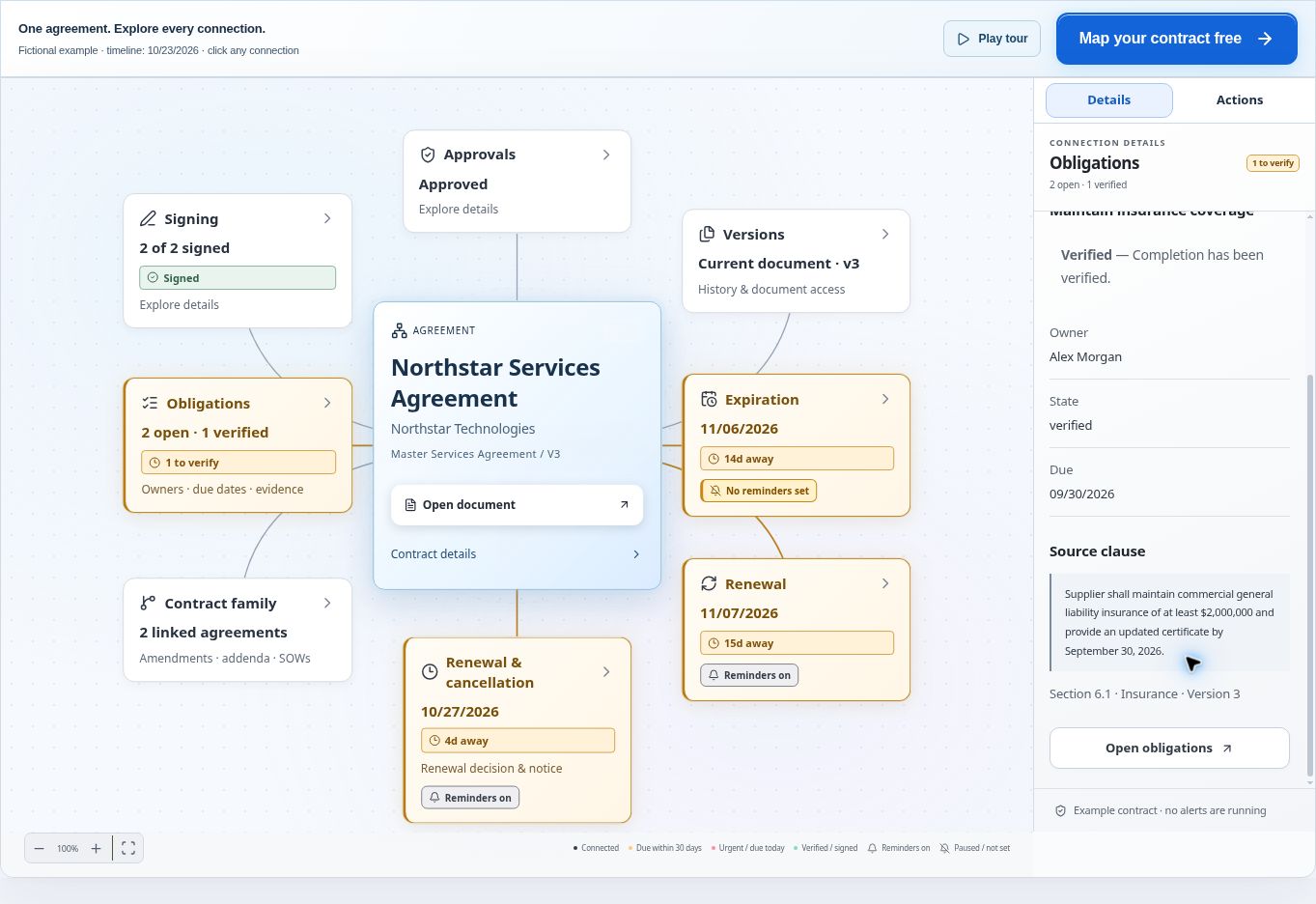
Checklist for a reminder someone can act on
- Name the action in plain language. “Review Northstar renewal options” gives the owner a specific job.
- Record the trigger and evidence. Check the signed date, clause, certificate, recorded event, or active workflow turn.
- Assign the responsible person, how much lead time they need, and who receives a follow-up if the work is still open.
- Define what closes the record. Keep the decision, accepted deliverable, verified certificate, signature, or notice evidence.
- Review the reminder again after an amendment, owner change, or updated workflow request.
Download the contract reminder register (CSV)Use one row per action, with room for the source, owner, and completion evidence.
For a complete setup and a worked renewal example, read how to set up contract reminders. To see how the dates, owners, and decisions fit together in the product, explore ContraxAware contract reminder software.
Questions about choosing contract reminders
Can a contract need both a notice and an expiration reminder?
Yes. An agreement can require action ahead of the term-ending date. Use the notice reminder to coordinate the required action and the expiration reminder for the operational handoff.
When should I set an event-based reminder?
Use one when the clause makes the deadline depend on a defined event, such as acceptance, go-live, or the last signature. Record the event and its date so the team can check the resulting due date.
How do I handle recurring contract reminders?
Record the recurrence and what resets it. A quarterly report, annual insurance update, or monthly review each needs an owner and completion evidence. Confirm the schedule when the agreement changes.